Mini HD Projector: 1080P Support, WiFi, BT, Keystone
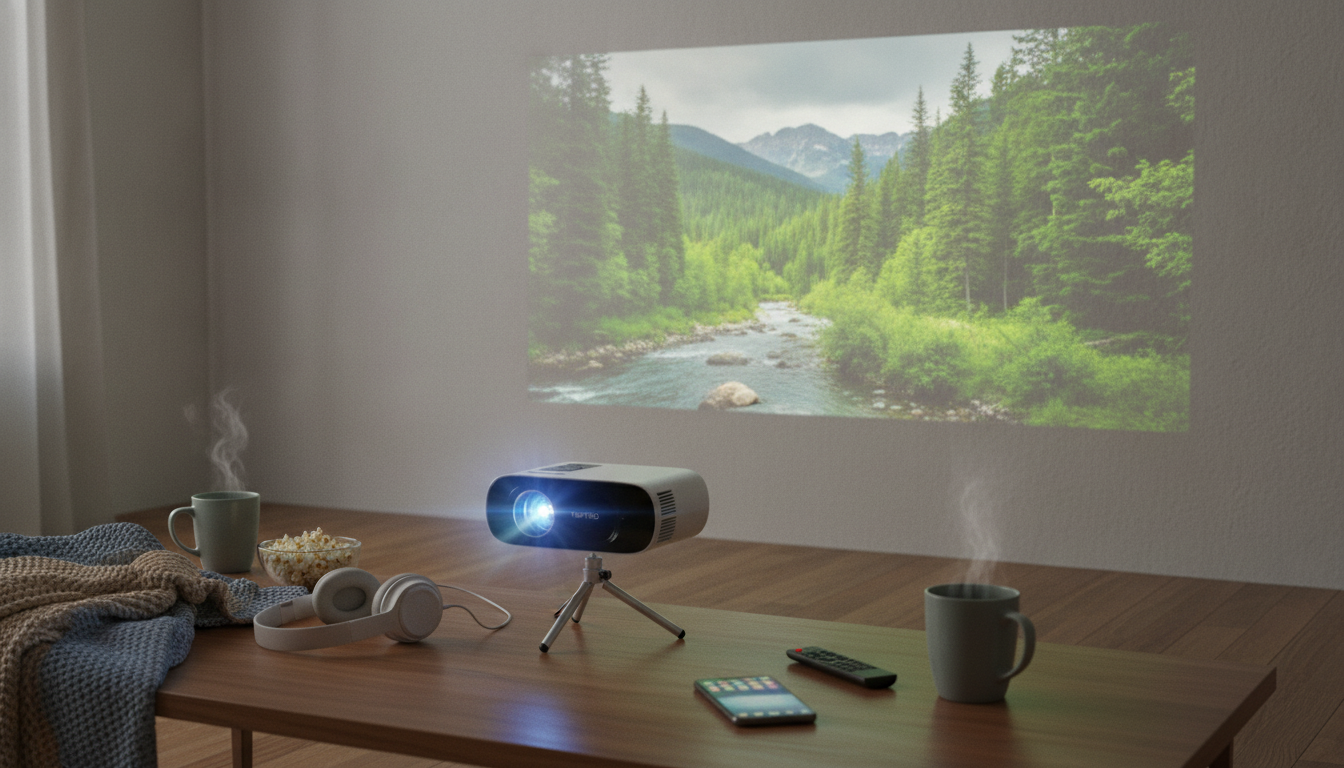
Mini HD Projector with 1080P Support, WiFi, Bluetooth, and Auto Keystone
A compact projector can turn a bedroom wall, backyard screen, or small office into a big viewing surface—without a complicated setup. A mini HD projector with 1080P support, WiFi, Bluetooth, and auto keystone is built for flexible placement and fast adjustments, especially when you don’t have a perfectly centered shelf or mount. Below is what these features mean day to day, plus practical setup tips to get a cleaner picture and better sound.
Quick highlights
- 1080P support for sharp playback from compatible sources
- Wireless options for flexible streaming and screen sharing (WiFi) and audio pairing (Bluetooth)
- Auto keystone to help straighten the image when the projector isn’t perfectly centered
- Portable size that suits dorms, apartments, travel, and occasional outdoor movie nights
Who this projector fits best
- Movie nights in smaller rooms where a TV feels too small or too permanent
- Casual gaming sessions that prioritize a large image over ultra-low latency competition play
- Presentations and slides for home office, classrooms, or community spaces (with controlled lighting)
- Bedroom ceiling or wall projection when paired with a stable mount or shelf placement
What the key features mean in real use
- 1080P support: Content up to 1920×1080 can be accepted and scaled; best results come from high-quality source material and a proper focus/throw distance.
- Brightness (listed lumens): Perceived brightness depends heavily on ambient light, screen gain, and image size; dim rooms allow much larger images with better contrast. For a helpful primer on how lumen ratings are discussed in the projector world, see ProjectorCentral’s overview of lumens.
- WiFi: Useful for compatible wireless casting or streaming workflows; performance depends on router quality, signal strength, and network congestion.
- Bluetooth: Convenient for pairing a soundbar or speaker when the projector is positioned far from the seating area. More background on how Bluetooth works is available from the Bluetooth SIG.
- Auto keystone: Helps correct trapezoid distortion when the projector is angled; for maximum sharpness, keep keystone adjustments minimal and aim for centered placement.
Feature-to-benefit guide
| Feature | What it helps with | Practical tip |
|---|---|---|
| 1080P support | Cleaner text and details | Use a high-quality HDMI source when possible for the most stable image (HDMI basics: HDMI Specification Overview). |
| WiFi | Cable-free screen sharing | Place the projector within strong router range or use a WiFi extender if needed. |
| Bluetooth | Better audio without long cables | Pair to a speaker before starting a movie to avoid mid-playback switching. |
| Auto keystone | Faster setup when off-center | Use a level surface; keystone is a helper, not a replacement for proper alignment. |
| High-lumen listing | More flexibility in moderately lit rooms | For best contrast, dim overhead lights and avoid direct light on the screen area. |
Setup that improves picture quality fast
Sound options: built-in vs. Bluetooth speaker
Care, maintenance, and longevity
Mini HD Projector 1080P Support, 16000 Lumens, WiFi Bluetooth, Auto Keystone: at-a-glance
Listing details
| Item | Value |
|---|---|
| Product | Mini HD Projector 1080P Support, 16000 Lumens, WiFi Bluetooth, Auto Keystone |
| Price | 86.51 USD |
| Availability | In stock |
Extras that pair well with a compact projector setup
- For a cozier viewing corner: Add a dedicated pet spot so the screen area stays clear. The 3-Level Modern Cat Tree with Scratching Pad, Cushions, Condo and Toy can help keep cats occupied away from cables and tables.
- For giftable room décor and display shelves: If the projector setup doubles as a bedroom hangout space, the Gogo 1/6 BJD Doll with Big Head & Dimples is a collectible-style item that fits nicely on a media shelf.
- For trips and carry organization: When you’re packing gear for travel days, structured storage helps prevent lens scuffs and cord tangles. The Golf Cart Bag with 14-Way Divider is a roomy organizer option for bulky items (even beyond the course).
Before choosing, compare the product details with your daily routine, available space, care needs, and preferred setup. The strongest option is usually the one that fits the intended use clearly and remains simple to clean, store, and check before repeat use.
FAQ
Does 1080P support mean the projector displays native 1080P?
Not necessarily. “1080P support” typically means it can accept a 1080P input signal, but the projector’s native panel resolution may be lower and the image can be scaled. Perceived sharpness also depends on focus, throw distance, and the quality of the source.
How bright is 16000 lumens for a living room or backyard?
Listed lumen numbers can vary depending on how brightness is measured, and real-world results depend heavily on ambient light and image size. Indoors, dimming lights and avoiding direct light on the screen area usually makes a bigger difference than pushing maximum image size. Outdoors, expect better results with a smaller image unless the environment is very dark.
What does auto keystone fix, and what can’t it fix?
Auto keystone helps correct trapezoid distortion caused by tilting the projector up/down (and sometimes slightly left/right), making the picture look more rectangular. It can’t fully compensate for extreme off-axis placement, and heavy keystone correction can reduce edge sharpness. For the cleanest picture, aim for centered placement and use keystone as a finishing tool.







Leave a comment